Login
When a user needs to login to a product that is integrated with Jack Henry Identity, they begin by navigating to that product’s URL.
Imagine a user who’s already been invited to the financial institution through Users & Groups, and has accepted the invitation to finalize their profile. Now they’re ready to authenticate and begin using your amazing product!
- User navigates to Your Product URL.
- User supplies their email address (username).
- Your Product initiates the OAuth redirect to https://login.jackhenry.com/login using the Institution Zero
institutionId. - User authenticates through Jack Henry Identity.
- Jack Henry Identity redirects the user back to Your Product URL, and the access token is for Institution Zero’s
institutionId. - Your Product presents the user with a method of selecting which institution they’re trying to access (or applies logic to make a default selection).
- Your Product initiates the OAuth redirect to https://login.jackhenry.com/login again using the selected
institutionId. - User is already authenticated and is redirected back to Your Product’s URL, and the access token is for the selected
institutionId.
Each user’s authentication flow will vary depending on factors including:
- whether their previous session is still active,
- whether they’re currently enrolled in 2FA (and which methods), and
- whether or not they utilize the “remember me” feature.
Recommended
Create a login page for your product that includes a place for users to key in their email address (username) before being redirected to the Jack Henry Identity login page. Then begin the OAuth flow and include a login_hint=username query parameter (which your Backend for Frontend will need to support.)
This helps prompt users to bookmark your product’s URL rather than https://login.jackhenry.com. This matters because if they begin the login flow on the Jack Henry Identity page they will get to Account Settings pages for profile and security rather than your product.
The query parameter will pre-fill the value the user keyed as the email address (username) into the correct field on the Jack Henry Identity login screen so they don’t have to re-enter it.
Example
Imagine a user navigates to your product’s login page and keys in their email address (i.e. username) of rfredericksen+777@jackhenry.com. Your product would then initiate the OAuth flow, including the login_hint=username query parameter.
The user is taken to the Jack Henry Identity login page, with their email address pre-filled in.
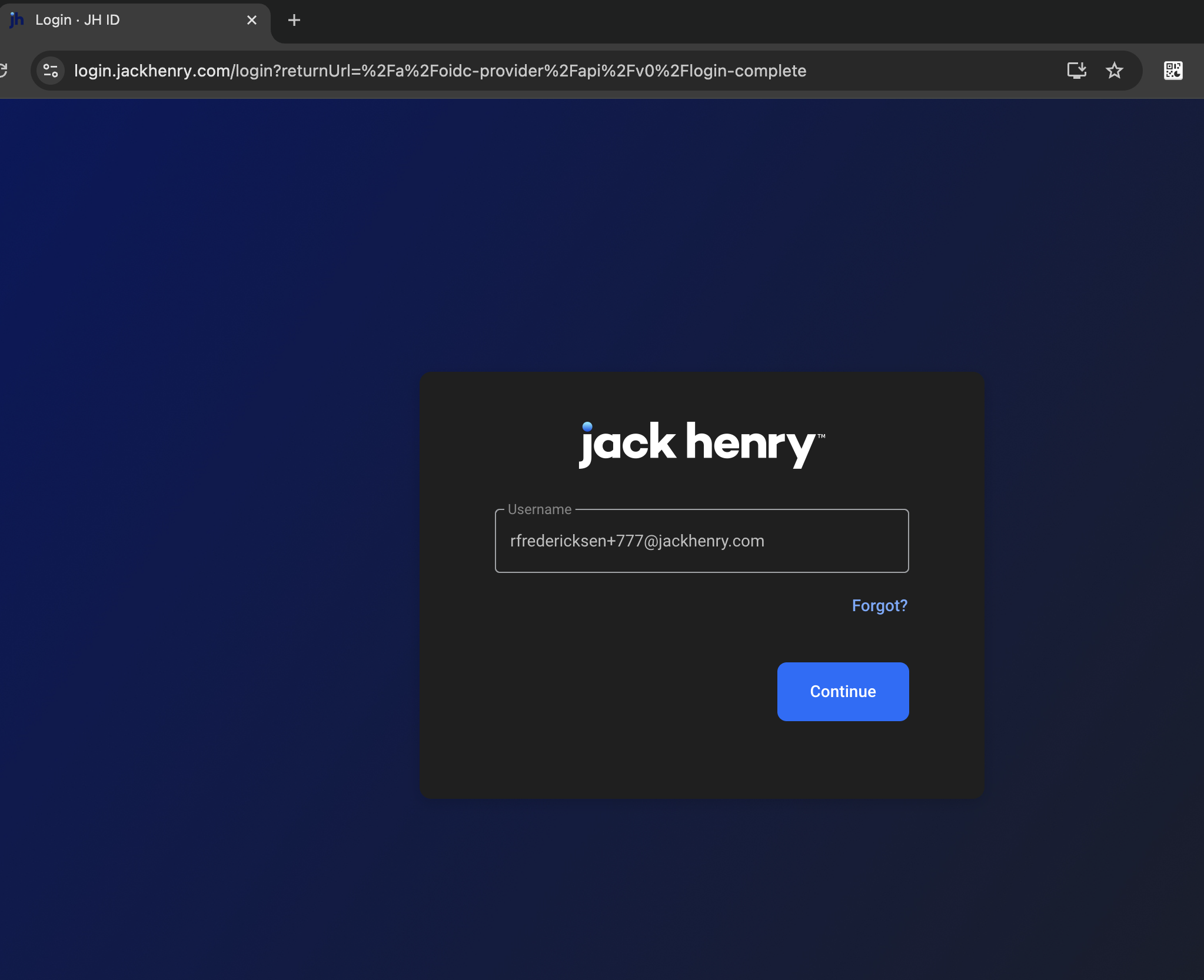
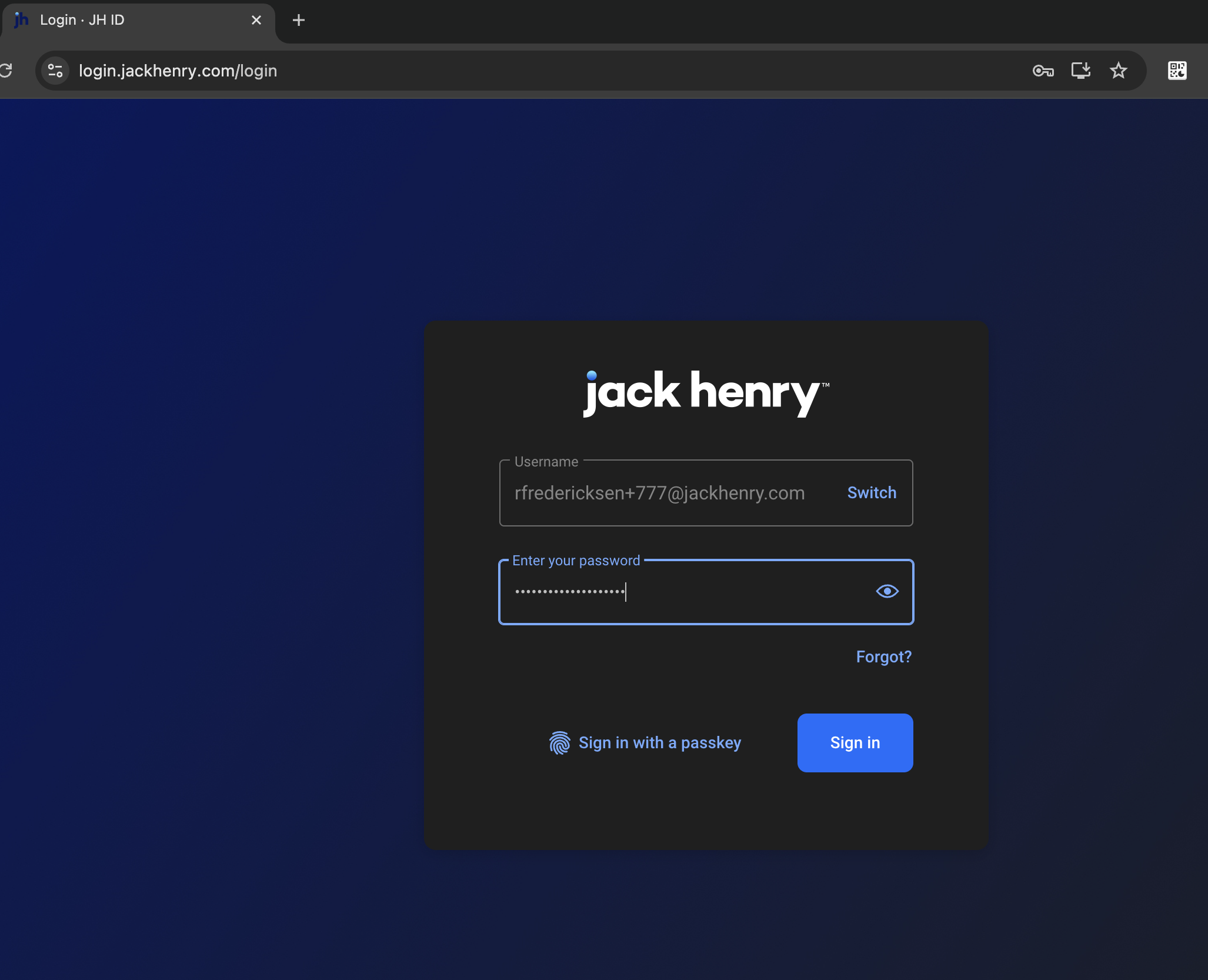
The user selects Continue, and next sees the password entry field.
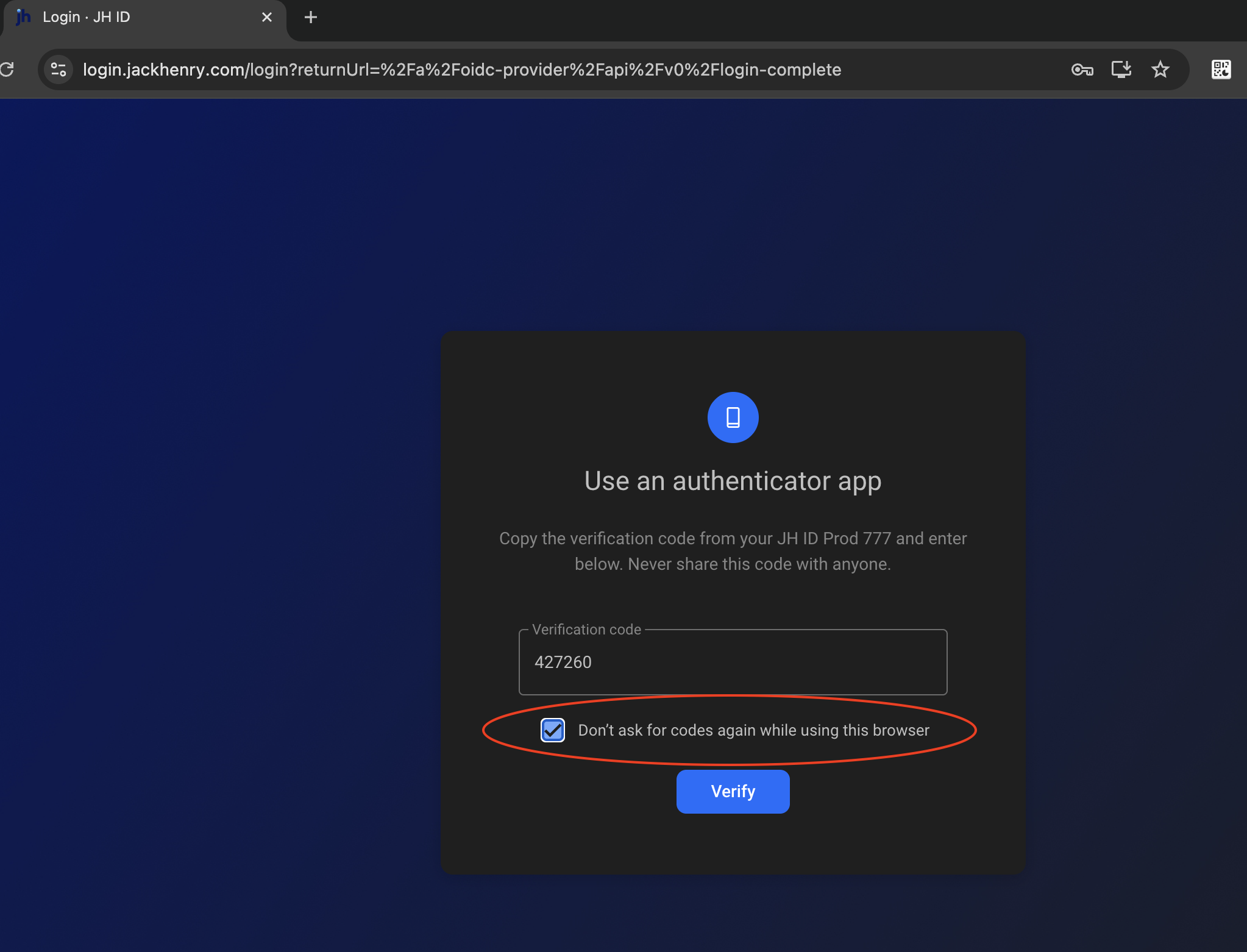
If the user is already enrolled with one or more 2-factor authentication methods, they’ll be required to complete 2FA unless they previously selected the checkbox “Dont ask for codes again while using this browswer.”
If the user is not enrolled in 2FA (e.g. they got a new phone number and had to remove their old number), they’ll be required to enroll.
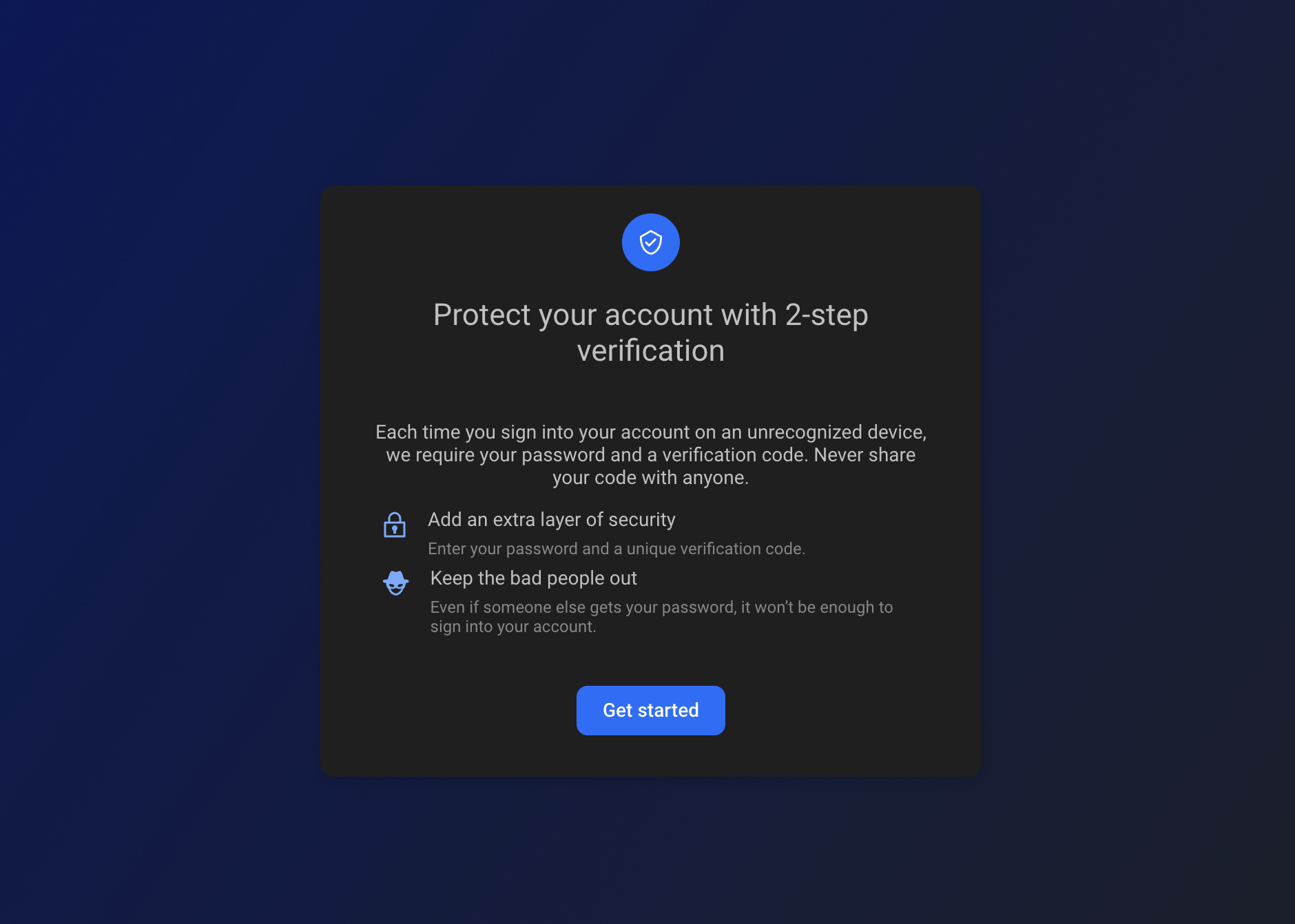
The supported methods include passkeys, FIDO security keys, authenticator apps, SMS, and phone call.
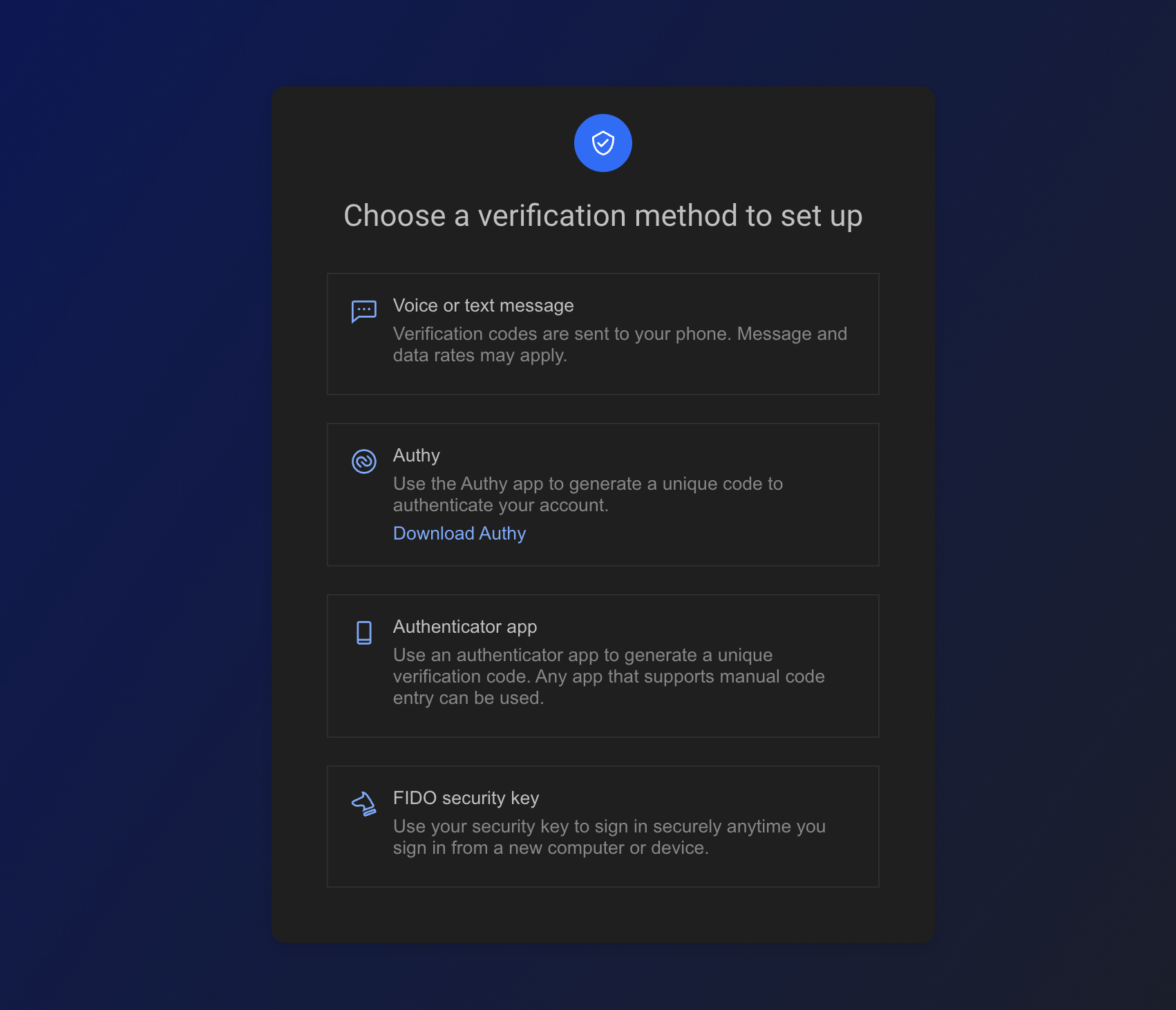
After the user has successfully enrolled in 2FA, they’ll see the confirmation screen.
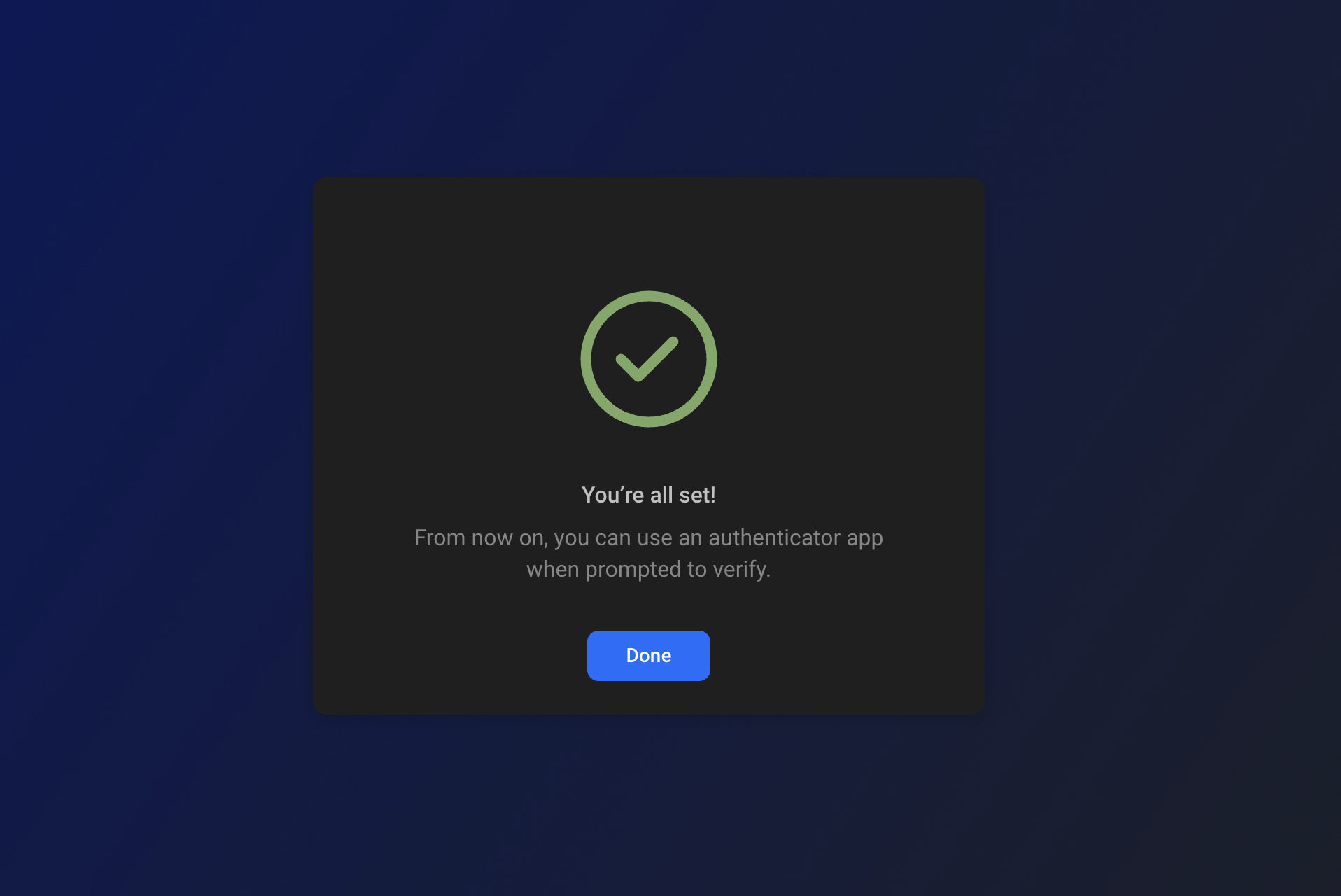
After selecting “Done” the user will be redirected back to your product’s URL.
- Have a how-to question? Seeing a weird error? Get help on StackOverflow.
- Register for the Developer Office Hours where we answer technical Q&A from the audience.